Authentication Keys
API Keys
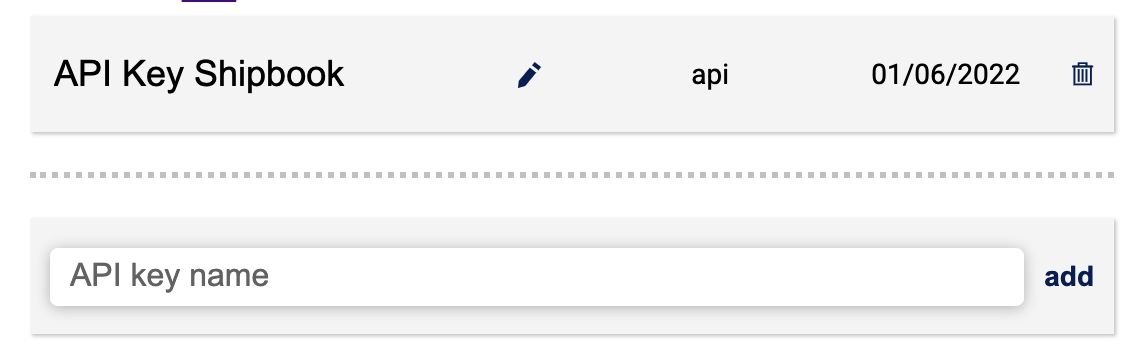
Shipbook has made a list of free public API's (application programming interfaces) that are open for use with Shipbook software for programming and development.
In the text bar give your API key a name, and then select 'add'. A message window with the API token will open. Note that this token will be provided only once so be sure to save it. You can copy the token with ctrl C or by selecting the copy icon. When you're ready, click OK to close the window.
For more information: Server Api
MCP Keys
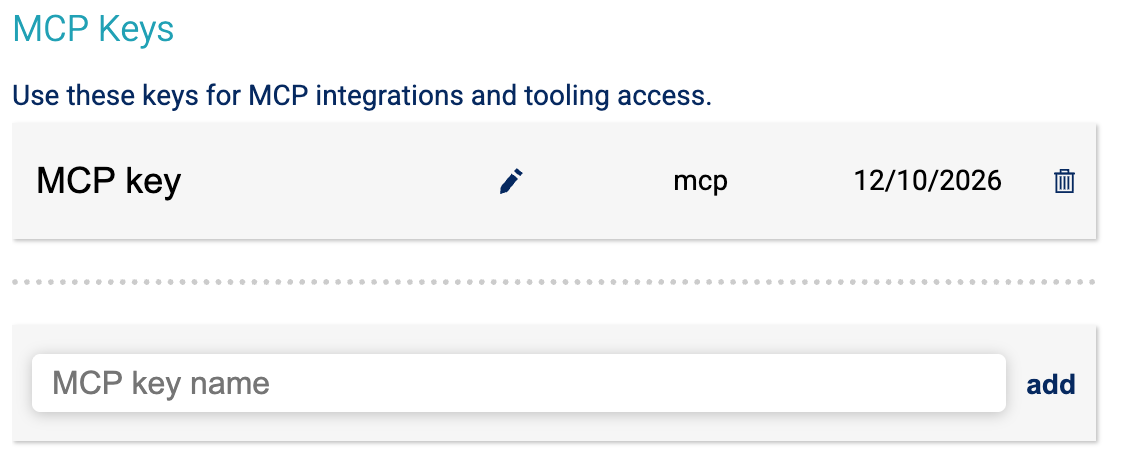
MCP (Model Context Protocol) keys are used to authenticate with Shipbook's MCP endpoint for AI assistants that don't support OAuth. Most MCP clients — including Claude, Cursor, and Codex — support OAuth and don't require an MCP key. Use MCP keys only as a fallback for clients that require a static Bearer token.
In the text bar give your MCP key a name, and then select 'add'. A message window with the MCP token will open. Note that this token will be provided only once so be sure to save it. You can copy the token with ctrl C or by selecting the copy icon. When you're ready, click OK to close the window.
Use this token in the Authorization header when configuring MCP servers in your AI assistant: Authorization: Bearer YOUR_MCP_TOKEN
For more information: MCP Documentation
DYSM Keys for iOS
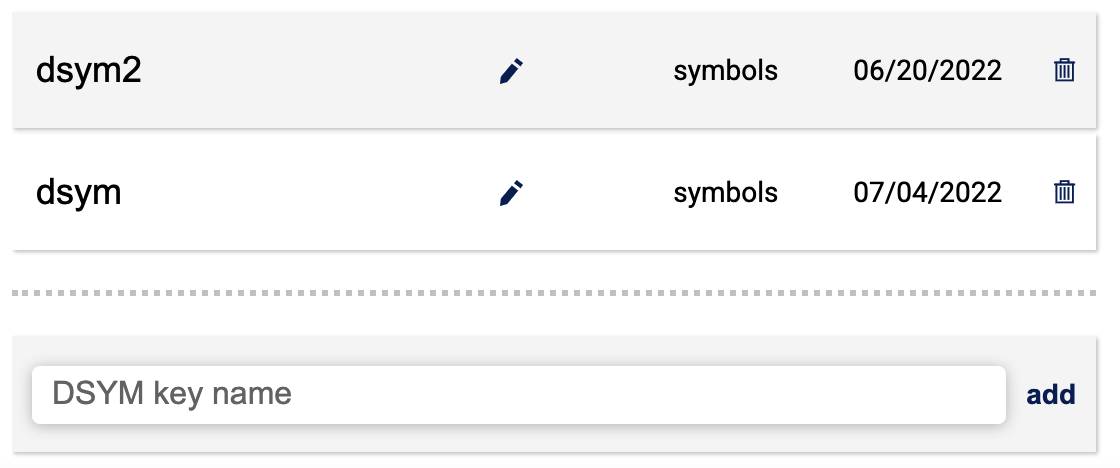
The dSYM file is the human-readable stack traces of the crash.
In the text bar give your DSYM key a name, and then select 'add'. A message window with the DSYM token will open. Note that this token will be provided only once so be sure to save it. You can copy the token with ctrl C or by selecting the copy icon. When you're ready, click OK to close the window.
For more information: DSYM File