
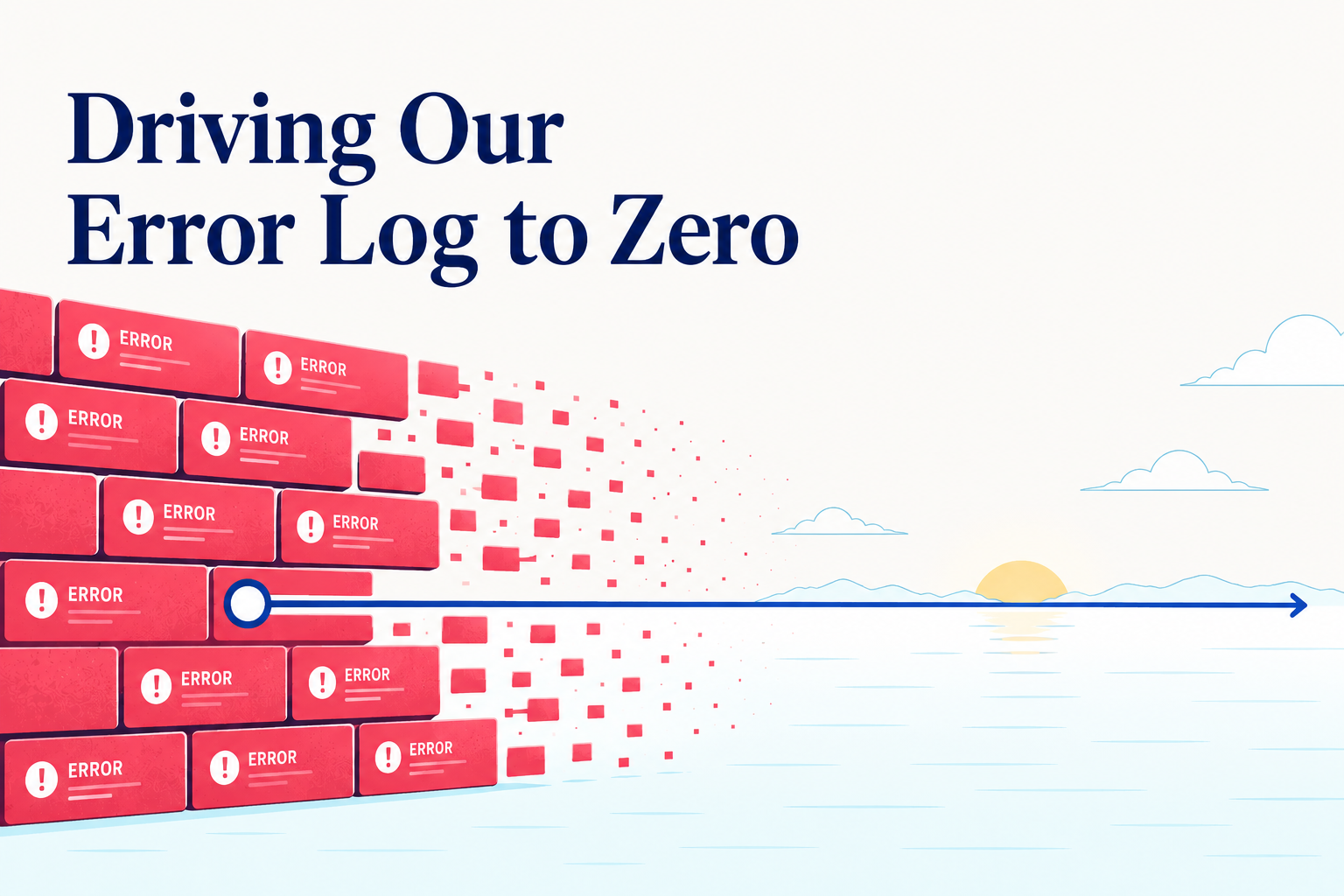
Driving Our Error Log to Zero (Without a Single Customer Complaint)
The Shipbook server's error log was full. Bright red, thousands of errors a day, some hours hitting a wall.
Not a single customer had complained.
That should already be the strange part. Most teams treat "no support tickets" as the only signal that matters. If users are not complaining, the system is fine. Move on. There is always something more urgent than cleaning up a log nobody is looking at.
I do not think that is true. And the month I just spent driving our error log down to zero — with no one asking me to, and ending up redesigning a chunk of our Elasticsearch architecture I had not planned on touching — is the reason I do not think that.
What a Crowded Error Log Actually Costs You
The first thing a noisy error log costs you is the ability to read it. When the page is red, every error is a red error. The genuinely scary one — the one that should be paging someone at three in the morning — is sitting in the same color and the same font and the same row as four hundred other lines that mean nothing.
You stop scanning. You stop trusting. After a while you stop opening the page at all. The log becomes wallpaper, and your production system goes dark.
The second thing it costs you is harder to see, and it is the actual reason I went after this. Every error line is a signpost. Behind the line is real misbehavior — a retry the server should never have attempted, a background job queued for an already-invalid request, a chain of work that ran for seconds before something deep inside realized the whole exercise was doomed. The log is not the cost. The log is the marker. The cost is everything the server kept doing because something was wrong and nothing stopped it. Sum that up across thousands of errors a day and you start to notice numbers you would rather not be paying for. CPU. Memory. Bandwidth. Database writes that never get read. Threads tied up on requests that were never going to succeed.
You Cannot Fix What You Cannot See
For most of Shipbook's life I could not have done this work at all, because we were not running Shipbook on ourselves. Our SDKs covered every mobile surface our customers used — iOS, Android, Flutter, React Native — but our own Node.js backend was wired to a generic logger. A few months ago we fixed that and built a Shipbook Node SDK, a story I wrote separately in Why We Started Dogfooding Shipbook. What mattered for this story is what changed once the server's logs were flowing into Shipbook: the shape and size of the problem became visible. Sessions, timestamps, stack traces — all in the same console our customers had been using all along.
That alone was not enough. The volume was still the thing that defeated me — every time I opened the error page I had to choose between scrolling through thousands of nearly-identical lines or just closing the tab.
The thing that broke the deadlock was Loglytics. Our own product — the error analytics layer that sits on top of Shipbook. It does the boring work I had been failing to do: group every error by its template, count how often it occurs, rank it by frequency, attach it to the sessions it touched.
What had been a wall of red became a list of about twenty distinct patterns. Two of them accounted for most of the volume. A handful more added a long tail. I could see the shape of the problem for the first time.
There is no version of this work that gets done without a classifier. If you cannot collapse "two thousand individual errors" into "five patterns occurring at these rates," you cannot triage — you can only despair. The categorization is not a nice-to-have on top of logging. It is the thing that makes the cleanup possible.
Every Error Gets a Verdict
With the list in hand, I started going through it one entry at a time. Each one got a verdict.
It is tempting to imagine this is fast. It is not. Every pattern requires opening the code, finding the path that emits the log, understanding the condition that triggered it, and deciding what the right severity is. The verdicts fell into three buckets, and the third is where most of the work hid.
Some errors were not errors. A "session not found" warning was firing whenever a request hit an old Elasticsearch index that predated a schema change we had made months earlier — historical data that did not have a field the new code expected. Demoting to debug was the obvious move, but I scoped the demotion to indexes older than the fix date. Newer indexes still raise the warning, because there a missing field really is a bug.
Some errors were sometimes errors. This was the subtle case. One pattern turned out to be a specific customer's app sending malformed exception payloads from an SDK version that had a known bug. Demoting it globally was wrong — the same log line, fired by any other client, was a real error and we needed to know about it. What we wanted was: if the app is X and the version is Y, demote to debug; otherwise, keep it as a warning. So that is what the code now does. The verdict is conditional on context, not on the log line.
Some errors were real errors. Those got fixed.
The temptation in the middle bucket is to take the shortcut: downgrade everything, walk away, declare victory. I went out of my way not to do that. A log line that is sometimes a real bug and sometimes noise is the most dangerous kind of log line, because once you silence it you have silenced the case you wanted to hear about. The work of writing the conditional — of saying "this is noise only in this exact circumstance" — is the work that keeps the signal alive.
The Architecture Was the Bug
Several of the patterns were not code bugs at all. They were Elasticsearch telling me that the way I had asked it to store data was wrong.
The biggest tell was a recurring set of connection errors against the cluster — failures, retries, timeouts — the kind of thing you assume is a flaky network until the same shape appears day after day. The choice underneath was years old and had never been revisited: we were creating one Elasticsearch index per customer per day. At our current scale that meant tens of thousands of tiny indexes, most of them holding almost nothing, all of them costing the cluster in connection overhead, shard count, and metadata churn. The cluster was not breaking under load. It was breaking under the weight of its own structure.
That insight forced the redesign. The errors had pointed at the real problem, and fixing it required a different schema. Customers on the same plan would share an index instead of each getting one a day. Our largest customers — what we call whale accounts — still got their own index, so searches against their data stayed fast, with sharding distributing that index across the dedicated infrastructure we had provisioned for them. Finding the right balance — large enough that the cluster is not buried in metadata, small enough that one customer's data does not drown another's — was exactly the hard part. ILM came in alongside the new schema, with a hot tier holding only the indexes that were actually hot and a nightly job rolling older ones down to warm, instead of letting every index sit forever on the same expensive nodes.
The new strategy rolled out and a fresh wave of errors appeared the next morning — old ones the previous structure had been quietly papering over. The most surprising side effect arrived a couple of days later, when I looked at the cluster's CPU graph and realized it had collapsed. We had been carrying a fleet of nodes sized for the old metadata churn. Once the writes settled into the new shape and the errors stopped firing, the question became: did I even need this many machines? The honest answer was no.
The Cheaper, Calmer Server
The other half of the work was on our own code paths.
The SDK sends userInfo on every batch upload — that is how the API works. The bug was on our side: the server was treating each of those uploads as a fresh write to Elasticsearch, whether the user info had actually changed or not. A skip-if-unchanged check at the entry point now lets the vast majority of those uploads land, see nothing new, and bail out before touching the database. A real slice of our ES write traffic disappeared with them.
A few error paths were doing too much in the other direction. They would kick off a chain of background work — looking things up, retrying, queueing follow-up jobs — only to discover several steps in that the input was invalid and the whole chain should be abandoned. Moving validation to the front of those paths meant the server bailed out in microseconds instead of seconds. Threads stopped getting tied up on doomed requests. The load came down.
None of this would have happened without being forced to go through the error log line by line. The cleanup was the excuse. The performance and cost gains were the side effect — and they more than paid for the work.
What Zero Buys You
The error log on the Shipbook server is now near zero. Not literally zero — there is always something — but small enough that when a new pattern shows up I see it the same day, because it is no longer hiding inside a wall of other red.
That is the real prize. Not the lower bill, although I will take the lower bill. Not the calmer server, although I will take the calmer server. The prize is that the log finally tells the truth. When it goes red now, it means something. The signal is back.
Nobody asked me to do this work, and no end user would have noticed if I had not done it. That is the case I want to make. The most valuable bugs to catch are the ones that have not yet hurt anyone. The most valuable logs to fix are the ones nobody is yet reading. Waiting until customers complain is waiting too long, because by then the damage has crossed from your infrastructure into someone else's afternoon.
You will not get there without a classifier. You will not get there in an afternoon. You will not get there by bulk-downgrading every noisy line. But you can get there, and when you do, you will find that the server you have been running is actually two or three different servers — the one that does the real work, the one that does pointless work, and the one that exists only to log that the pointless work failed. Drive the noise out, and what is left is the one you wanted all along.